
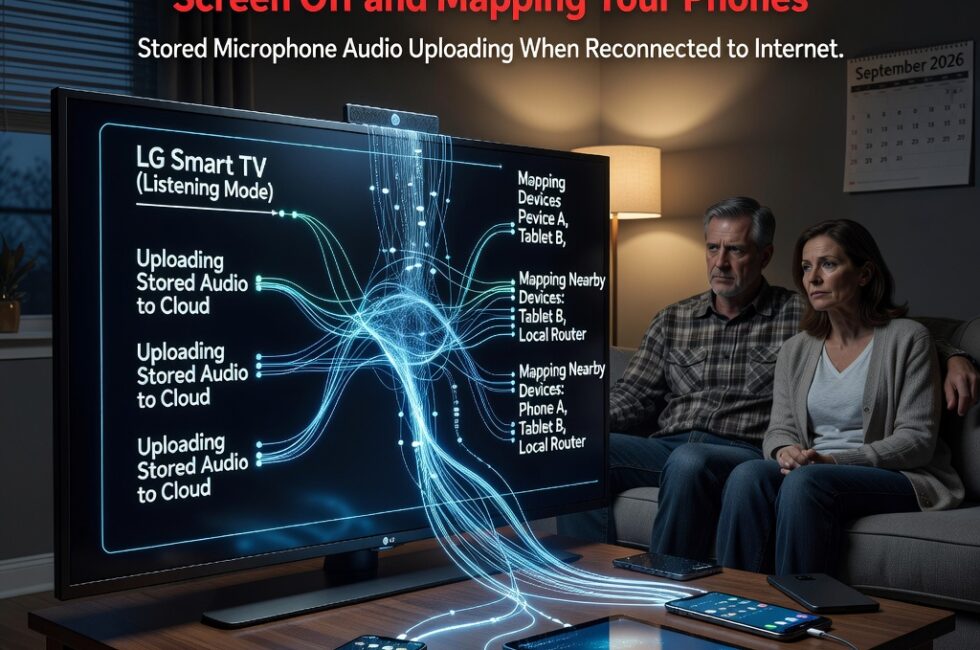
Gamers Nexus found that LG smart TVs sweep local networks to map phones and nearby devices. Tests also showed the sets can capture microphone audio with the screen off, then upload data once they reconnect to the internet. Those findings were reported on September 7, 2026.
That is not a feature most people knowingly turned on. That is a television in standby, still working the room after you thought you shut it down.
The TV is mapping phones on your network
According to the Gamers Nexus investigation, these LG sets do not just sit on Wi-Fi waiting for a streaming app. They scan the local network. They map phones and other devices nearby.
In a normal house, that means the TV can see the phones in your pockets, the tablet on the counter, and whatever else shares that network. You bought a display. You did not hire a census taker for every gadget in the living room.
Screen off is not the same as the mic being off
The part that should make people sit up is the microphone. Tests showed LG smart TVs can capture microphone audio while the screen is off. They then upload data after the set is back on the internet.
Screen off is not power off. Standby still means the computer inside the TV is alive. If the mic can run in that state, conversations in that room are in play. A phone call. Kids talking. Whatever you said after you figured the TV was done for the night.
Why this is a problem for regular people
Most folks pick an LG because the picture looks good and the price is right. They are not signing up for a listening post, and they are not asking the set to inventory every phone in the house.
Network mapping is how a device fingerprints a home. Audio capture in standby is worse, because it treats your living room like a collection point. You do not control that data. You barely get told it is happening. That is the kind of system that works great for the company and lousy for the people who actually paid for the hardware.
What to do if you have an LG smart TV
If you want the set to stop acting like a sensor, treat it like one. None of this is fancy. It is the same habit you use with any box you do not fully trust.
- Do not trust the power button. Unplug the TV or put it on a switched outlet if you want it actually off.
- Turn the microphone off in the TV menus. If the hardware has a physical mute, use it.
- Put the TV on a guest network or its own VLAN so it cannot see phones, tablets, and laptops.
- Strip extra voice features, usage reporting, and anything that sounds like content recognition or ad tracking.
- Assume the default setup was built for telemetry, not for your privacy.
The picture can still look great. The network scanner and the mic do not get a free pass because the screen is black.
Primary Source: https://www.notebookcheck.net/LG-smart-TVs-caught-logging-audio-with-screen-off-and-snooping-on-local-devices.1391214.0.html