
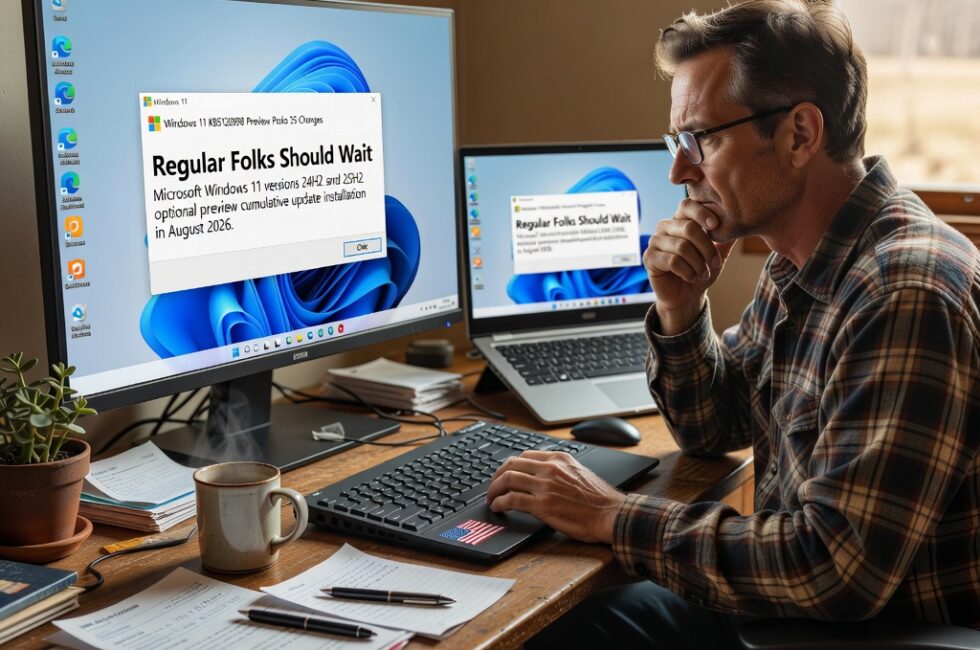
Microsoft released the KB5120998 preview cumulative update for Windows 11 versions 25H2 and 24H2 on August 28, 2026. The package comes with 35 changes, including improvements to the Start menu, the taskbar, and Windows search.
That is the news. Here is what it means if you are a regular person who just needs the computer to work.
This is optional. Treat it that way
KB5120998 is a preview cumulative update. Microsoft puts these out so testers and IT people can try the next batch of tweaks before they land on everybody else. It is not a forced security patch. You will not get locked out of Windows if you leave it alone.
Optional updates have a habit of showing up in Windows Update looking official and urgent. They are not urgent. Preview builds are how Microsoft finds out what breaks. I would rather they find that out on a lab machine, not on the PC that runs your business or your household.
Start menu, taskbar, and Windows search
The changes Microsoft is highlighting sit in the three places people actually touch all day: the Start menu, the taskbar, and Windows search. Those are the parts of Windows 11 that either help you get work done or get in your way. When they change, your muscle memory changes with them.
There are 35 items in this package. That is a lot of moving parts for an update nobody is forcing you to take. More changes means more chances something that worked yesterday acts weird tomorrow. I am not going to pretend every one of those 35 is a gift.
Who this update is actually for
This update is aimed at Windows 11 24H2 and 25H2. If you are on an older Windows 11 version, it is not for you. If you are still on Windows 10, this does nothing for you at all.
If you test software for a living, or you have a spare box you can afford to wipe, go ahead. Install it from Windows Update under the optional updates list. Then actually use the machine for a week and see what breaks.
If this is the only computer in the house, the shop PC, or anything you cannot live without for a day, skip it. Wait until these changes ride along in a regular monthly update after other people have already tripped over the problems.
What I would do on a machine I care about
- Skip the preview on daily drivers. Let testers eat this one first.
- Do not let optional updates auto-install. Open Windows Update, look for optional or preview updates, and leave KB5120998 unchecked.
- Back up before you update anything. Preview or Patch Tuesday, a backup is cheaper than a rebuild.
- Watch the Start menu, taskbar, and search if you do install it. Those are the pieces Microsoft is changing, and those are the pieces that will annoy you first if they go sideways.
- Have a way back. Know how to uninstall an update or restore a backup before you click Install.
Big tech loves it when regular people click Install because the button is sitting there. You do not owe Microsoft a test run. Keep control of your own machine. Install what you need, when you need it, after somebody else has already found the landmines.
Primary Source: https://www.bleepingcomputer.com/news/security/windows-11-kb5120998-update-released-with-35-changes-and-fixes/