
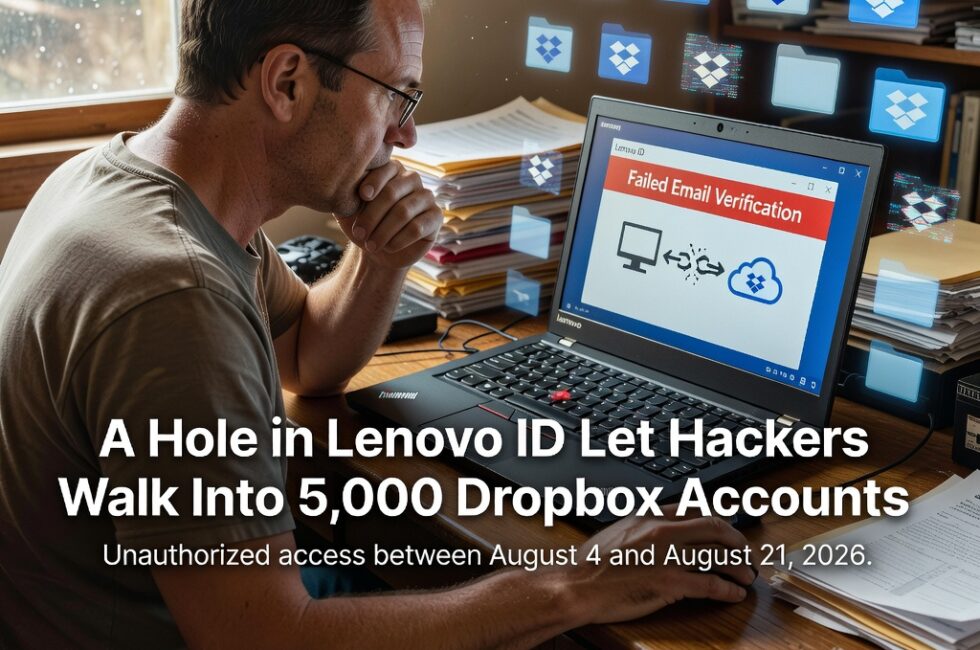
Dropbox confirmed that about 5,000 customer accounts were accessed between August 4 and August 21 after hackers exploited a leftover login integration between Dropbox and Lenovo ID. If you ever linked those two, maybe just to make logging in easier on a Lenovo laptop, this one is aimed at you.
You did not get sloppy. You used a shortcut the companies put in front of you. Then a hole in Lenovo’s login system let outsiders walk into those Dropbox accounts anyway.
What Dropbox Told Affected Users
Dropbox says the attackers used a legacy login integration with Lenovo’s identity system, Lenovo ID. In a warning sent to people who were hit, Dropbox called it “an issue with Lenovo’s email verification process.”
That is a polite way of saying Lenovo did not lock down how it proved an email address belonged to you. Once that check was weak, the old Dropbox hookup was enough to get in.
Why Linking Dropbox to a Lenovo ID Was a Problem
Lenovo ID is the account Lenovo wants sitting on its laptops and services. Linking it to Dropbox was sold as less typing and fewer passwords. The catch is those old connections do not always get retired when they should.
A legacy integration is leftover plumbing. You might not even remember turning it on. Attackers did not need a Hollywood break-in if they could abuse Lenovo’s email check and ride that leftover link into Dropbox.
If You Use a Lenovo Laptop and Dropbox
Do not panic-wipe the machine. Do treat this like a spare key you forgot you left outside.
- If Dropbox emailed you about this, open that message on a real computer and follow their account steps.
- Unlink Dropbox from Lenovo ID if that connection is still there.
- Change your Dropbox password. Change the Lenovo ID password too if you still use that account.
- Turn on two-factor authentication on Dropbox if it is not already on.
- Look at recent Dropbox activity for shares, downloads, or logins you did not make.
About 5,000 accounts is a small slice of Dropbox. It is still 5,000 people who trusted a laptop maker and a cloud locker to keep a simple login from turning into a back door. That is enough to piss me off.
Stop Chaining Your Logins for Convenience
Those “sign in with” buttons make day one easier and year ten uglier. When one company’s email check fails, the other company’s files are suddenly on the table. Work docs, tax PDFs, family photos, the scan of a passport. All sitting in Dropbox because it was easy.
I have been telling regular folks and small businesses the same thing for years. Do not chain accounts together unless you have a real reason. If you already did, go pull those connections apart before somebody else finds them.
Dropbox warned the people who got hit. That part they handled. The part that still stinks is that a leftover Lenovo login was enough to walk into thousands of cloud accounts in the first place.
What To Do This Week
- Search your email for a Dropbox warning about Lenovo.
- Review connected apps inside Dropbox and cut anything you do not need.
- Do the same inside your Lenovo ID account if you still have one.
- Stop linking cloud storage to hardware logins just to save a few clicks.
Primary Source: https://www.bitdefender.com/en-us/blog/hotforsecurity/lenovo-login-system-hackers-dropbox