
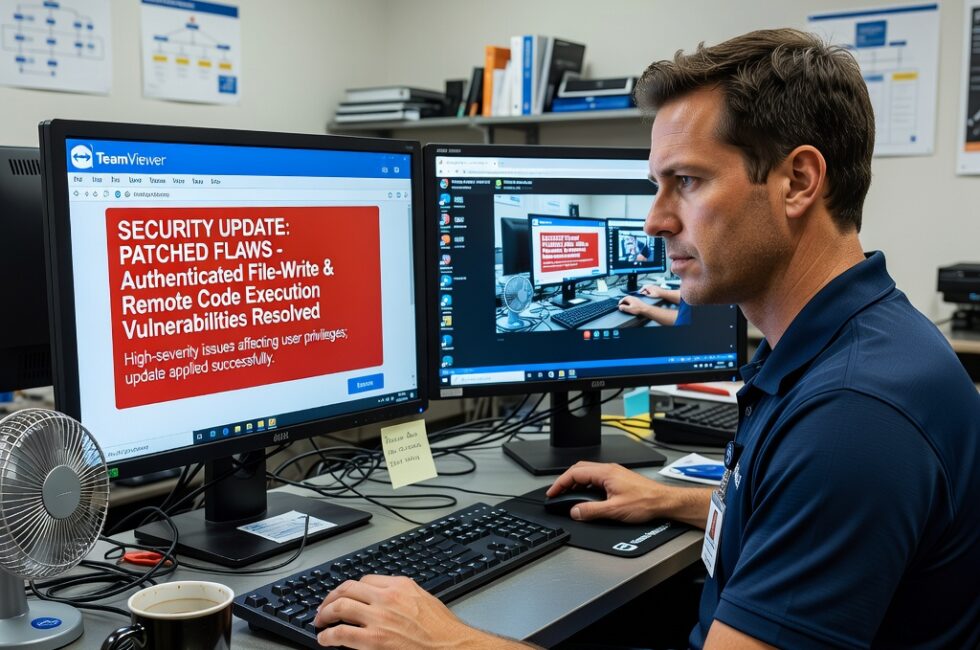
TeamViewer patched multiple vulnerabilities, including a high-severity flaw that allowed authenticated attackers to write files and execute code with user privileges. If you keep TeamViewer on a work PC, a shop computer, or the laptop you use to help family, this is the kind of hole you close now, not next month.
Remote code execution is the label. In real life it means someone who already has a way into TeamViewer can drop files on the machine and run their own programs as you. That is not a theoretical problem for a corporate security team. That is a problem for every regular person who leaves remote access running because it is convenient.
What this TeamViewer flaw actually allowed
The high-severity issue is simple once you strip the jargon. An authenticated attacker could write files and execute code with user privileges. They needed to be logged in or otherwise recognized by TeamViewer first. That is the limit, and it is not much of a comfort.
A lot of real trouble starts with a password that leaked, a session that stayed open, or an old vendor account nobody revoked. Once that happens, a bug like this does the heavy lifting. Write a file. Run code. Same rights as the person who uses that computer every day.
Why remote access software is a fat target
TeamViewer lives on machines people stop thinking about. The after-hours support laptop. The front counter PC a vendor can still jump on. The home computer a relative uses to fix a printer. Those installs often run as a real user, sometimes with more rights than they should, and they stay connected because nobody wants to be locked out when something breaks.
Put a file-write and code-execution bug on that kind of tool and you do not need a genius on the other end. You need one unpatched copy and one set of credentials that should not still work. From there it is malware, stolen files, or a hop onto the rest of the network.
What you should do if you use TeamViewer
Do the boring work. That is how normal people stay out of trouble.
- Update TeamViewer on every device that has it. Work machines, home PCs, anything used for remote help.
- Check who can still connect. Old contractors, old employees, vendor logins you never cut off.
- Turn off unattended access if you do not truly need it sitting there around the clock.
- Use a strong, unique password on the account. Do not recycle the same one you use everywhere else.
I have watched too many small shops and households get burned because the tool that made life easier also left a door open. Vendors will ship a patch. Your job is to put it on the machine.
This is not complicated. Patch the software. Kill the dead accounts. Keep control of who can sit at your keyboard from somewhere else.
Primary Source: https://cybersecuritynews.com/multiple-teamviewer-vulnerability/