
Category: Hacks and Exploits

  • Chrome and Edge Store Extensions Caught Stealing Crypto and Browser Data

    Chrome and Edge Store Extensions Caught Stealing Crypto and Browser Data

    Multiple extensions listed in the Google Chrome Web Store and the Microsoft Edge add-on store were caught delivering a malware framework. That framework deployed modules to steal cryptocurrency, grab sensitive data, vacuum up browser history, and inject ClickFix lures that trick people into running the attackers’ commands.

    This did not come from some random forum download. These were sitting in the official stores Google and Microsoft tell regular people to trust.

    What the malware framework was built to steal

    An extension is not just a little button on your toolbar. Once it is installed, it can load extra jobs later. In this case the jobs were straightforward and ugly.

    • Steal cryptocurrency from wallets used in the browser
    • Grab sensitive data stored or typed in the browser
    • Collect browsing history
    • Inject ClickFix lures into pages you visit

    If you keep a crypto wallet in Chrome, log into banks, or just live your life in the browser, that is a full set of things you do not want walking out the door.

    ClickFix lures turn you into the installer

    ClickFix is a con. You get a fake CAPTCHA or a fake error message that tells you to copy a command and paste it into your computer to prove you are human or to fix a problem. You think you are helping yourself. You just ran their payload.

    Pair that with an extension that already has a foot inside the browser, and the store listing becomes the bait. The ClickFix prompt becomes the hook.

    The official store was not a safety net

    Google has been playing whack-a-mole with bad Chrome extensions for a long time. Microsoft Edge uses a lot of the same Chromium plumbing, so the same junk shows up there too.

    Folks install a PDF helper, a coupon clipper, a dark mode switch, or a wallet tool because the store page looks legit and the reviews look fine. Then a module loads, and now it can see the tabs you have open, the data you type, and the coins you thought were sitting safe in a browser wallet.

    That is the part that should make you mad. The store is sold as the safe path. For a lot of people at work and at home, it is the only path they know.

    What you should do right now

    You do not need to panic. You do need to treat every extension like it has keys to the house.

    • Open Chrome or Edge and review every installed extension. If you do not recognize it or do not use it, remove it.
    • Drop anything that has been sitting idle for months. Unused add-ons are extra doors.
    • Do not keep crypto wallets in the same browser profile you use for random browsing and coupon tools.
    • If a website tells you to copy a command and paste it into Run, PowerShell, or Terminal to verify or fix something, stop. That is the ClickFix play.
    • A hardware wallet or a dedicated wallet app beats a browser extension for anything you cannot afford to lose.
    • If you had unknown extensions installed, change passwords for accounts you used in that browser and turn on two-factor authentication that is not text messages if you can.

    I have spent decades helping small businesses and regular folks cut through this stuff. The pattern does not change. A shiny store badge is not a background check. If an extension wants permission to read every site you visit, that is not a convenience. That is the whole game.

    Audit the list. Cut what you do not need. Keep your money and your logins off the same playground as random add-ons. That is how you keep control of your own data when the stores fail to do it for you.

    Primary Source: https://www.bleepingcomputer.com/news/security/chrome-web-store-extensions-caught-stealing-crypto-browser-data/


  • Chrome Web Store Extensions Caught Stealing Crypto and Your Browser Data

    Chrome Web Store Extensions Caught Stealing Crypto and Your Browser Data

    Multiple extensions for Google Chrome and Microsoft Edge were caught delivering a malware framework. That framework deployed modules to steal cryptocurrency, lift sensitive data, copy browser history, and inject ClickFix lures.

    This is the kind of story that should make regular people sit up. You install something from the official store because you figure Google or Microsoft already checked it. Then it turns around and picks your pocket.

    What these extensions were doing

    The extensions did not just sit there looking helpful. Once they landed on a machine, they delivered a malware framework. Extra modules then went to work on the real job.

    • Steal cryptocurrency from wallets tied to the browser
    • Grab sensitive data sitting in the browser
    • Copy browser history
    • Inject ClickFix lures that try to trick you into running the next stage yourself

    ClickFix is a social engineering trick. You get a fake error or a fake fix prompt, and it tries to get you to copy and paste a command. The malware does not always have to smash the door in if it can talk you into opening it.

    Why the official store is not a safety net

    Chrome and Edge both run curated stores. People treat that badge like a lock on the door. Attackers know that. They wrap malware in something that looks useful, wait for the review process to miss it, and then harvest whatever they can once enough people click Install.

    It pisses me off because the people who get hit are not security researchers. They are small business owners, folks paying bills online, and people with a little crypto sitting in a browser wallet. They did what they were told. They used the official store.

    What this means for you at home and at work

    If you run Chrome or Edge, treat every extension as software with access to your browsing life. That is not hype. An extension can see pages, cookies, and in a lot of cases wallet activity. When the payload is built to steal crypto and history, that access is the whole point.

    You do not need a dozen add-ons. You need the few you actually use, from developers you can name, with permissions that make sense for the job.

    What you should do this week

    • Open your Chrome or Edge extensions page and remove anything you do not recognize or no longer use
    • Be extra careful with anything that asked for permission to read and change data on every website
    • If you keep crypto in a browser wallet, assume a bad extension could have seen it. Move funds from a clean device if anything looks off
    • Do not follow on-screen fix prompts that tell you to paste commands into Run, PowerShell, or Terminal
    • Prefer hardware wallets or dedicated apps over browser extensions for anything you cannot afford to lose

    Big tech will tell you the store is safe. The store is a marketplace. Marketplaces get thieves. Keep your house in order, and do not give random add-ons the keys.

    Primary Source: https://www.bleepingcomputer.com/news/security/chrome-web-store-extensions-caught-stealing-crypto-browser-data/

  • OpenAI-Led Coalition Warns AI Will Speed Up Cyberattacks and Leave Weak Enterprises Exposed

    OpenAI-Led Coalition Warns AI Will Speed Up Cyberattacks and Leave Weak Enterprises Exposed

    An OpenAI-led coalition is warning that AI will compress cyberattack timelines and expose enterprise weaknesses. In plain terms, the same class of tools now sitting in offices can help attackers move through a break-in faster than most companies can react.

    That warning is aimed at businesses, but it lands on regular people too. If you work somewhere with logins, customer data, or a site still running on last year’s patches, this is about you.

    AI does not invent hacking. It speeds it up

    Attackers already know the playbook. They look for a way in, they test it, they get a foothold, and they take what they want. People used to be the bottleneck. AI cuts that bottleneck down. The coalition’s point is that the time between finding a hole and being inside is getting shorter.

    When the clock shrinks, the old excuses die. Saying you will patch next month is not a plan. It is a gift.

    The weak spots were already there

    This is the part that should make owners and IT folks sit up. The warning is not that AI magically created a brand new hole in every network. It is that AI will find the holes you already left open and hit them before you notice.

    Those holes are boring, and they are everywhere:

    • Systems that never got patched
    • Accounts that share passwords or never get extra login checks
    • Vendors and tools with more access than they need
    • Staff who were never trained because someone figured it would not happen here

    None of that is futuristic. It is the same sloppy systems I have been yelling about for years. AI just makes the cost of being sloppy show up faster.

    OpenAI leading the warning is the tell

    OpenAI is one of the companies pushing these models into every workplace. Now it is leading a coalition that says those models will help attackers move quicker and will shine a light on weak enterprises. You can take that as a public service. You can also take it as an admission that the product changed the fight.

    Either way, do not wait for Silicon Valley to save your shop. They will sell you the model, then sell you the defense, then warn you that you were too slow. Look out for your own people.

    What this means for normal workplaces

    You do not need a war room and a six-figure tool stack. You need a system that still works when the attacker is faster than your help desk.

    • Patch what you run. Make it routine, not a special project.
    • Turn on extra login checks for email, banking, and admin accounts.
    • Cut leftover accounts. If that person left last year, their login should be gone.
    • Know what customer data you actually keep and who can see it.
    • Have a one-page plan for who you call if something looks wrong.
    • Stop treating “we are too small to hit” as security. Attackers with AI do not care how small you are if the door is open.

    Fix the system you already have

    Every part of life is a system that either works or it does not. Security that only works against a slow, tired human does not work now. That is the whole story. Compress the timeline and every weak spot you ignored becomes a front door.

    Get the basics right this week. Not after the next budget meeting. The coalition already told you the clock is running. Believe them, then go fix your own house.

    Primary Source: https://www.csoonline.com/article/4215838/openai-led-coalition-warns-ai-will-compress-cyberattack-timelines-expose-enterprise-weaknesses.html

  • HP Licensed Wi-Fi Patents From Blacklisted Huawei. Here’s What That Actually Means

    HP Licensed Wi-Fi Patents From Blacklisted Huawei. Here’s What That Actually Means

    HP has struck a deal with Huawei to license essential Wi-Fi patents, even though Huawei has sat on the US government blacklist since 2019. That is the whole headline, and it is as sideways as it sounds.

    If you own an HP laptop, printer, or anything else with Wi-Fi in it, this is the kind of back-room patent business that already lives inside your gear. You never see it on the box. You still pay for it.

    What essential Wi-Fi patents actually are

    Wi-Fi is not one company’s toy. It is a standard. A pile of companies put patented technology into the recipe, and then anyone who builds a chip, a laptop, a printer, or a router that talks Wi-Fi has to follow that recipe.

    Those patents are called standard-essential patents. If you implement the standard, you use the patents. There is no clever workaround that still gives you real Wi-Fi. The companies that own those patents are supposed to license them on fair, reasonable, and non-discriminatory terms. That is the bargain for getting your tech written into the standard in the first place.

    Huawei holds a stack of those Wi-Fi patents. HP builds PCs, printers, and other products that use Wi-Fi. So HP needs a license if it does not want to get sued or jammed up in court. That part is normal. The Huawei part is what makes people spit out their coffee.

    Blacklisted does not mean what most people think

    Huawei went on the US Entity List in 2019. For regular folks, that sounded like the United States was done doing business with Huawei. Period. In practice, the Entity List is an export-control tool. It mainly restricts US companies from selling certain technology, software, and parts to Huawei without a special license from the Commerce Department.

    Paying Huawei for a patent license is a different machine. You are not shipping chips or software into Huawei’s factories. You are agreeing to royalties so you can keep using wireless technology that is already baked into global standards. The blacklist was never a total freeze on every dollar that might flow Huawei’s way.

    That gap is not some new trick a lawyer cooked up last week. It is how the system was built. Sanctions and patent law do not line up cleanly. If that bothers you, you are not wrong. It should.

    Why HP would still sit down with Huawei

    HP is not doing this for fun. If Huawei’s Wi-Fi patents are truly essential, HP’s products already use them. Skip the license and you invite lawsuits, injunctions, and a mess in every country where Huawei can haul you into court. HP sells everywhere. China is one of those places. Europe is another.

    Huawei, cut off from a lot of US technology, has leaned harder on its patent portfolio as a business. Licensing is one of the few remaining ways it still collects money from Western companies that cannot, or will not, buy its gear. HP gets to keep shipping Wi-Fi products without a legal cloud hanging over them. Huawei gets paid. The customer never gets a vote.

    What this means for your stuff

    Your HP laptop is not about to start phoning home to Shenzhen because of a patent license. A patent deal is paperwork and royalties, not a backdoor. Do not let anyone sell you that panic.

    What it does mean is simpler, and more annoying:

    • The Wi-Fi in everyday American products still depends on patents owned by a company Washington spent years telling you was off limits.
    • Royalty costs do not vanish. They get folded into PCs, printers, and networking gear, same as every other patent tax you never see on the sticker.
    • The US can blacklist a company for national security and still leave a path for that company to collect licensing fees from US firms. Those two policies can run at the same time.
    • If you care about who actually controls the standards inside your devices, this is a reminder that Wi-Fi is a global pile of patents, not a homemade radio.

    I have been around radios long enough to know that standards only work when everyone can implement them. That is the point of Wi-Fi. It is also why a blacklisted company can still sit at the patent table. The airwaves do not read the Entity List.

    The part that should tick you off

    Normal people got a simple story in 2019. Huawei is out. Security risk. Do not buy their stuff. Fair enough, as far as it went. Then the same government leaves patent licensing in a gray zone, and a major American PC maker signs a deal anyway because the lawyers say it has to.

    That is not HP being sneaky. That is the system not matching the speech. If the patents are essential, you either let companies license them or you blow up Wi-Fi compatibility. Nobody in Washington has been willing to pick that fight out loud.

    So HP did the practical thing. They cut a deal, kept the products shipping, and left you to find out from a headline. Follow the money. The patents always get paid, even when the politics say otherwise.

    Primary Source: https://www.techspot.com/news/113661-hp-strikes-deal-blacklisted-huawei-license-essential-wi.html

  • Apple Hikes Apple One and Apple TV Prices by Up to 20 Percent

    Apple Hikes Apple One and Apple TV Prices by Up to 20 Percent

    Apple raised Apple One and Apple TV subscription prices by up to 20 percent. Annual Apple TV subscriptions got the biggest bump, according to a report published on August 28, 2026.

    That is the whole story in one line, and it is the kind that hits regular people first. You do not get a sit-down. You get a higher charge on a service you already thought you had figured out.

    What Apple actually raised

    Two products changed, and both sit in a lot of households:

    • Apple One, the bundle that rolls Apple services into one bill
    • Apple TV as a standalone subscription, with the yearly plan taking the steepest increase

    The top end of that increase is 20 percent. That is not a rounding error. Apple looked at people already paying for TV, music, and cloud storage and decided there was more room in the bill.

    Why the annual Apple TV plan got hit hardest

    A lot of folks pay for a year up front because it feels cheaper and simpler. Then the largest increase lands on that annual Apple TV subscription. You tried to lock in a price. They moved the price anyway.

    That is how these systems work when the company holds the billing relationship and you hold the remote.

    What this means if you live in the Apple world

    If your house runs on Apple gear, this is not abstract. Apple One is how a lot of families keep Music, TV, iCloud, and the rest from turning into four separate charges. Apple TV is how they watch the shows that only live in that app. When those prices jump, the convenience tax goes up.

    Do not wait for a friendly email that makes the new number obvious. Open the Apple ID that actually gets billed, go to Subscriptions, and look at what you are paying. If Apple One still covers enough of what you use, the bundle can still beat buying each piece alone. If you barely open Apple TV, paying more for it is just habit.

    What to do before the next charge posts

    • Check every Apple subscription on the account that gets billed, not the old iPad login you forgot about.
    • Write down what you actually use in a normal week: Apple TV, Apple Music, iCloud storage, Arcade, Fitness, News. If you cannot name it, you probably do not need it.
    • Compare Apple One against the services you would keep a la carte. The bundle only wins if you would pay for those pieces anyway.
    • If the annual Apple TV hike is the one that stings, decide now whether a year of that library is still worth it at the new price.
    • Cancel anything you would not buy again tomorrow. Apple makes that path easy to ignore. Do it anyway.

    Big companies raise prices because they can, not because your service suddenly got 20 percent better. Protect your own bill the same way you would protect anybody else in the house.

    Primary Source: https://arstechnica.com/gadgets/2026/08/apple-one-and-apple-tv-subscription-prices-increase-by-up-to-20-percent/

  • Shady VPNs Could Be Spying on Millions of Americans

    Shady VPNs Could Be Spying on Millions of Americans

    Proton VPN published a report on August 27, 2026 saying a new survey of VPN apps available in the United States shows a worryingly large number of them behave in unacceptable ways. The headline is not subtle. Shady VPNs could be spying on millions of Americans.

    Douglas Crawford wrote the piece. Proton sells a VPN and is based in Switzerland, so they are not a neutral bystander here. That does not make the warning worthless. If you installed an app to protect yourself and that app is the problem, you got played.

    What this survey is actually saying

    The finding is simple. Plenty of VPN apps you can get in the US do not behave the way a privacy tool should. Proton calls that unacceptable. The people in the blast radius are not a tiny tech club. They are regular Americans who thought they were being careful.

    That is the part that should land. Millions of people grabbed a VPN because an ad, an app store ranking, or a coworker said it would keep them safer. If a chunk of those apps are acting badly, the tool you trusted may be the thing watching you.

    You handed a stranger the keys to your traffic

    A VPN is a tunnel. Your phone or laptop wraps up your internet traffic and sends it to a company server. Websites then see that company’s address instead of yours. That is the whole product.

    The company in the middle can see a great deal of what you do. If they are straight, they pass it along and keep quiet. If they are shady, they can watch you, keep records, and use that information in ways you never agreed to. You did not disappear from the internet. You picked a new landlord for it.

    That is why a bad VPN is worse than no VPN. Without one, your internet provider already sees a lot. With a shady one, you added another set of eyes and told yourself you were safer.

    What to check before you trust another VPN app

    Treat a VPN like a spare key to your house. You would not hand that to a stranger from a pop-up ad.

    • Find a real company with a real name and a real location. If that takes more than a few minutes, walk away.
    • Be suspicious of free VPN apps. If you are not paying, someone else probably is, and they may be paying for access to you.
    • Look for outside testing, not a privacy promise written by the marketing team.
    • Install from the company’s own site or a store listing you verified, not from a random link.
    • If you cannot explain who runs your VPN to a neighbor in one sentence, uninstall it.

    This stuff pisses me off because it is predictable. Complicated systems take advantage of people who just want to check email, pay a bill, and keep their business to themselves. You do not need to become a privacy expert. You need to stop handing your traffic to an app you cannot account for.

    Privacy is a system that either works or it does not. A sticker that says VPN does not make it work.

    Primary Source: https://protonvpn.com/blog/vpn-privacy

  • Chinese Implants in ZBT Routers: DarkLantern and SpeakingStone Hit the Supply Chain

    Chinese Implants in ZBT Routers: DarkLantern and SpeakingStone Hit the Supply Chain

    Researchers at VulnCheck documented two implants named DarkLantern and SpeakingStone in the supply chain around Chinese-made ZBT networking gear. This is not a random virus you picked up after you plugged the box in. It is access sitting in equipment that small shops, remote sites, and regular people actually buy.

    That difference is the whole story. One is a mistake you can patch. The other is a product that arrived with a spare key still on the ring.

    What ZBT routers actually are

    ZBT is a Chinese manufacturer of 4G and 5G routers and CPE boxes. You have seen these even if you never heard the name. They show up as cheap LTE failover routers, RV internet kits, white-label units sold under other brands, and the backup WAN a small business puts in a closet and forgets about.

    Nobody treats those boxes like critical infrastructure. They get a SIM card, a default password that never changes, and a public address that faces the internet. Then they sit there for years. That is a system that works great for whoever wanted a quiet foothold.

    DarkLantern and SpeakingStone are not drive-by junk

    VulnCheck frames DarkLantern and SpeakingStone as implants in that supply chain, not as a commodity botnet spraying the whole internet. Implants mean persistence. They mean remote control. They mean someone wanted a foothold in the device itself, not just a lucky guess at a weak password.

    If your router gets scanned because you left admin open, that is on you. If the gear arrives or updates with a hidden channel already in it, you never had a fair fight. You paid for a product. Someone else kept a way in.

    Why cheap CPE is the easy target

    Big companies have security teams. They ban vendors, inspect firmware, and watch their networks. You and I do not. The dentist office, the farm stand with a card reader, the shop running out of a garage, the cabin with a 4G router because fiber never showed up. Those are the networks that eat this gear.

    Chinese operators have spent years living inside routers, firewalls, and VPN appliances. Pre-positioning on American networks is not a theory anymore. Cheap CPE from a Chinese OEM is a gift if your job is to sit quietly on someone else’s wire.

    I have been doing this work for 30 years. Supply chain is the attack regular people cannot patch their way out of. You can change a password. You cannot easily prove the firmware you flashed is clean when the vendor and the update path sit in the same ecosystem that produced the implant.

    What this means if you own one of these boxes

    • If you have a ZBT router, or a white-label 4G or 5G box that looks like one, treat it as untrusted until you know otherwise.
    • Do not use it as the front door to anything that matters. Payments, cameras, work VPN, medical gear, shop controls. Segment it or replace it.
    • Remote administration should be off. Default passwords should already be gone. If they are not, you have a second problem on top of this one.
    • Watch outbound connections. Implants have to call home. A cheap router talking to strange addresses is not just the cloud.
    • A vendor firmware update is not automatically a fix when the supply chain is the issue. You need a vendor you can actually hold accountable.

    We argued about chips. The firmware was always easier

    We spent years arguing about whether China could hide a physical chip on a motherboard. That Super Micro scare got loud, then messy. Firmware implants are quieter and a lot more common. They do not need a microscopic extra part. They need a build pipeline, a signed update, or a factory image that nobody with a lab is going to reverse before it ships to a marketplace.

    Every part of this is a system that does not work for normal people. The buying system rewards the cheapest box with the most antennas. The update system trusts the vendor. The network design assumes the router is the security device, not the threat. And we still pretend we can buy critical connectivity from a strategic competitor and act shocked when extra features show up.

    I am not telling you to panic and throw every gadget in the lake. I am telling you to stop treating a ninety dollar LTE router from a Chinese OEM like it is a lock on your door. It might be a door they kept a copy of.

    What I would do with this gear this week

    • Inventory the routers, 4G failover boxes, and travel LTE units on your network. Find the actual manufacturer, not just the sticker brand.
    • Pull ZBT and similar cheap CPE off anything tied to work, money, or safety. Replace it with gear from a vendor you can hold to account.
    • Put remaining IoT and guest internet on its own VLAN or a separate switch so a compromised WAN box cannot wander your whole LAN.
    • Turn off UPnP, WAN-side admin, and remote management. If you need access from outside, use a VPN you control.
    • Log DNS and outbound connections from those devices if you can. You do not need a security operations center. You need to notice a box calling home at 3 a.m.

    Freedom and control over your own data start with knowing what is sitting on your wire. This is not exotic nation-state theater. It is a reminder that the cheapest path into a network is often the device you paid for and plugged in yourself.

    Primary Source: https://www.vulncheck.com/blog/zbt-darklantern-speakingstone

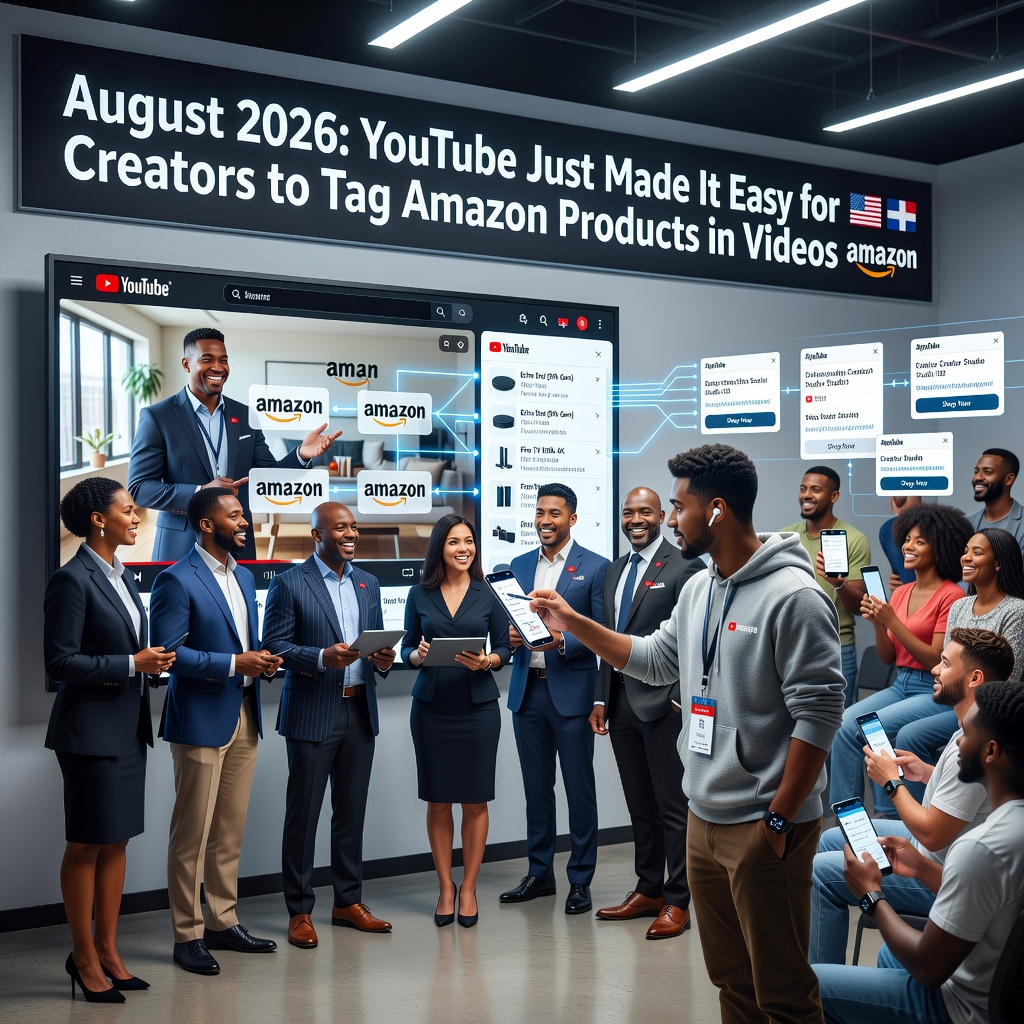
  • YouTube Just Made It Easy for Creators to Tag Amazon Products in Videos

    YouTube Just Made It Easy for Creators to Tag Amazon Products in Videos

    YouTube’s CEO announced a partnership with Amazon that will allow creators to tag Amazon product listings. That news landed on August 27, 2026, and it is as straightforward as it sounds. Your favorite YouTubers just got an easier way to sell you stuff on Amazon.

    Creators have been dropping affiliate links in descriptions for years. This is different because YouTube is putting Amazon tagging in the content itself. Less hunting for a link at the bottom. More product tags sitting right where you are already watching.

    What the YouTube and Amazon partnership actually does

    Amazon is joining YouTube’s affiliate program so creators can tag Amazon product listings. YouTube gets more shopping activity on the platform. Amazon gets another pipe into people who are already paying attention. Creators get paid when a viewer clicks through and buys.

    That is not a public service. That is a sales system with a smoother interface. When a big platform removes friction, behavior changes. More tags. More mentions. More “this is the one I use” moments that happen to point at a listing.

    Why regular people should care about product tags

    It pisses me off when a how-to video quietly turns into a catalog. You came for a fix, a review, or a straight answer. Now the incentive is to keep a shopping tag in the shot.

    Not every creator is going to abuse it. Plenty of folks already tell you when they make money off a click, and they mean it. The issue is the system. Once tagging is easy, the honest ones still feel pressure, and the hucksters get a bigger megaphone.

    • Advice and advertising sit closer together. A recommendation can be real and still be a pitch.
    • You will see more Amazon tags. Native tools get used. That is the point of building them.
    • Smaller channels feel the squeeze. If the money is in tagging products, more people will tag products.
    • You are the customer in the middle. YouTube, Amazon, and the creator all get a piece if you buy.

    How to watch YouTube without getting played

    You do not have to swear off videos. You do have to treat a tagged product like a sales floor until you check it yourself.

    • Assume a tagged item is a paid path to Amazon, then decide if you still want it.
    • Search the product on your own. Check the price, the seller, and whether you even need it.
    • Listen for a clear disclosure. If they hide the money, trust the silence.
    • Stick with people who show failures, cheap options, and the thing they actually use when the camera is off.

    Big platforms will keep making it easier to sell to you while you think you are just watching. Keep your hand on the remote. You still control the click.

    Primary Source: https://www.androidauthority.com/amazon-joins-youtube-affiliate-program-3704181/

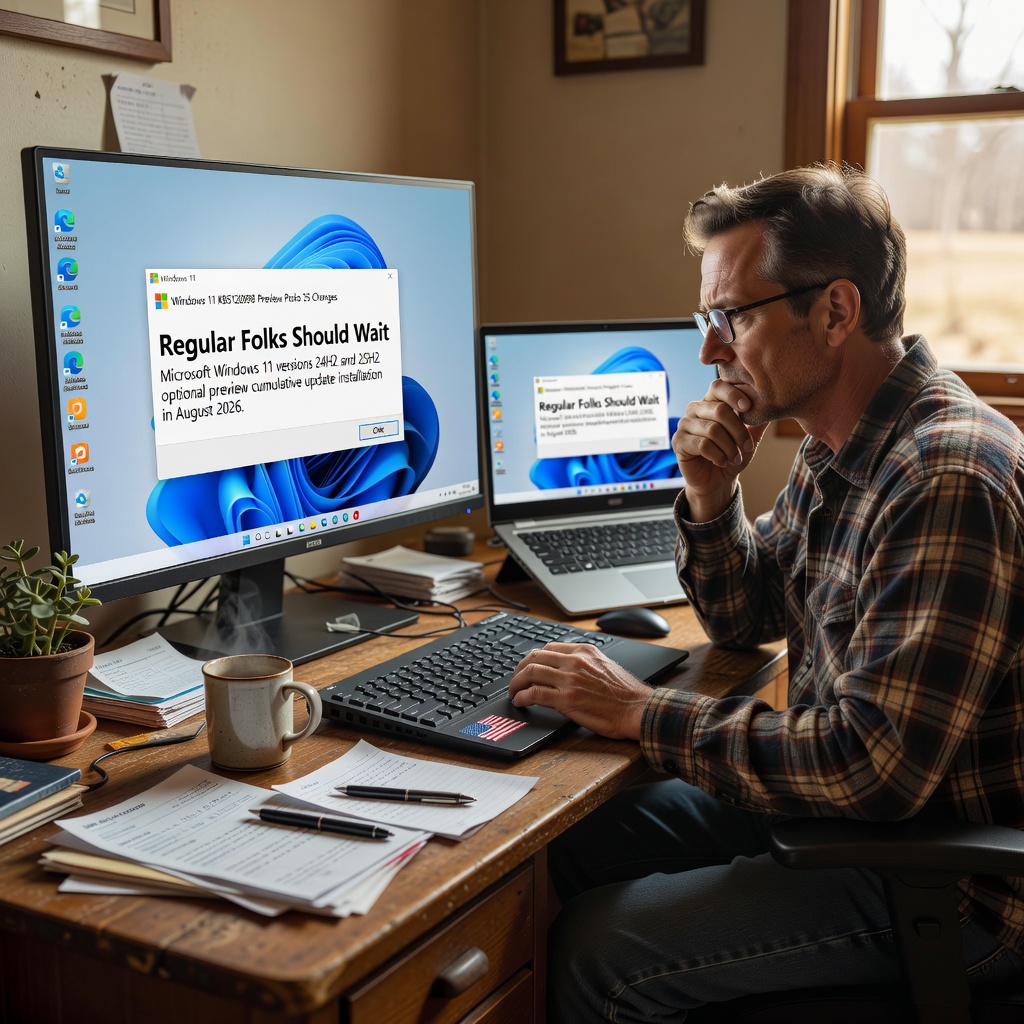
  • Windows 11 KB5120998 Preview Packs 35 Changes. Regular Folks Should Wait

    Windows 11 KB5120998 Preview Packs 35 Changes. Regular Folks Should Wait

    Microsoft released the KB5120998 preview cumulative update for Windows 11 versions 25H2 and 24H2 on August 28, 2026. The package comes with 35 changes, including improvements to the Start menu, the taskbar, and Windows search.

    That is the news. Here is what it means if you are a regular person who just needs the computer to work.

    This is optional. Treat it that way

    KB5120998 is a preview cumulative update. Microsoft puts these out so testers and IT people can try the next batch of tweaks before they land on everybody else. It is not a forced security patch. You will not get locked out of Windows if you leave it alone.

    Optional updates have a habit of showing up in Windows Update looking official and urgent. They are not urgent. Preview builds are how Microsoft finds out what breaks. I would rather they find that out on a lab machine, not on the PC that runs your business or your household.

    Start menu, taskbar, and Windows search

    The changes Microsoft is highlighting sit in the three places people actually touch all day: the Start menu, the taskbar, and Windows search. Those are the parts of Windows 11 that either help you get work done or get in your way. When they change, your muscle memory changes with them.

    There are 35 items in this package. That is a lot of moving parts for an update nobody is forcing you to take. More changes means more chances something that worked yesterday acts weird tomorrow. I am not going to pretend every one of those 35 is a gift.

    Who this update is actually for

    This update is aimed at Windows 11 24H2 and 25H2. If you are on an older Windows 11 version, it is not for you. If you are still on Windows 10, this does nothing for you at all.

    If you test software for a living, or you have a spare box you can afford to wipe, go ahead. Install it from Windows Update under the optional updates list. Then actually use the machine for a week and see what breaks.

    If this is the only computer in the house, the shop PC, or anything you cannot live without for a day, skip it. Wait until these changes ride along in a regular monthly update after other people have already tripped over the problems.

    What I would do on a machine I care about

    • Skip the preview on daily drivers. Let testers eat this one first.
    • Do not let optional updates auto-install. Open Windows Update, look for optional or preview updates, and leave KB5120998 unchecked.
    • Back up before you update anything. Preview or Patch Tuesday, a backup is cheaper than a rebuild.
    • Watch the Start menu, taskbar, and search if you do install it. Those are the pieces Microsoft is changing, and those are the pieces that will annoy you first if they go sideways.
    • Have a way back. Know how to uninstall an update or restore a backup before you click Install.

    Big tech loves it when regular people click Install because the button is sitting there. You do not owe Microsoft a test run. Keep control of your own machine. Install what you need, when you need it, after somebody else has already found the landmines.

    Primary Source: https://www.bleepingcomputer.com/news/security/windows-11-kb5120998-update-released-with-35-changes-and-fixes/