
Category: Hacks and Exploits

  • Apple Maps Now Has Ads on iPhone as the Rollout Ramps Up

    Apple Maps Now Has Ads on iPhone as the Rollout Ramps Up

    Apple has officially launched ads in Apple Maps on iPhone. The rollout is ramping up in the coming weeks, so some people will see them now and everybody else is next in line.

    That is not a cute experiment off to the side. That is a core iPhone app turning into ad space.

    What Apple actually launched in Maps

    The launch is official as of August 25, 2026. Ads are now part of Apple Maps on iPhone. Apple is not flipping one giant switch. It is spreading the change over the coming weeks.

    The public details in this report are thin. No full list here of every ad unit, every price, or every country. What it does say is simple. Apple turned ads on in Maps, and more iPhones will get them shortly.

    Why ads in a map hit regular people harder

    You do not open Maps to be entertained. You open it because you are late, lost, or trying to find a pharmacy that is still open. Gas. A clinic. A job interview. Your kid’s game. That is high-trust attention, not idle scrolling.

    When a map starts selling placement, the pin on top is no longer just the closest or the best. It may be the one that paid. If you have a habit of tapping the first result and driving, that habit just got easier to game.

    Apple spent years telling regular folks they were not the product. Ads in a system app do not automatically mean the company dumped your location history on a data broker. It does mean the map you use to get home is now part of the ad business. Those are two different facts. Do not let anybody mash them together.

    What to do the next time you open Maps

    • Look at search results with a colder eye. A featured spot is not the same thing as the right spot.
    • If you are driving, do not tap the shiny listing just because it is sitting on top.
    • If you run a small shop, understand that showing up on the map and paying to be seen on the map are about to split apart.
    • Review your iPhone advertising and privacy settings if you do not want more personalized pitches following you around.

    This is an old trick in a new wrapper. Get the whole town using the tool. Then sell the town. I have seen this picture before, and I did not like it then either.

    You bought the phone. You still get to decide whether a paid pin is worth your time. Use the map. Do not let the map use you.

    Primary Source: https://9to5mac.com/2026/08/25/apple-maps-launches-ads-on-iphone-heres-whats-new/
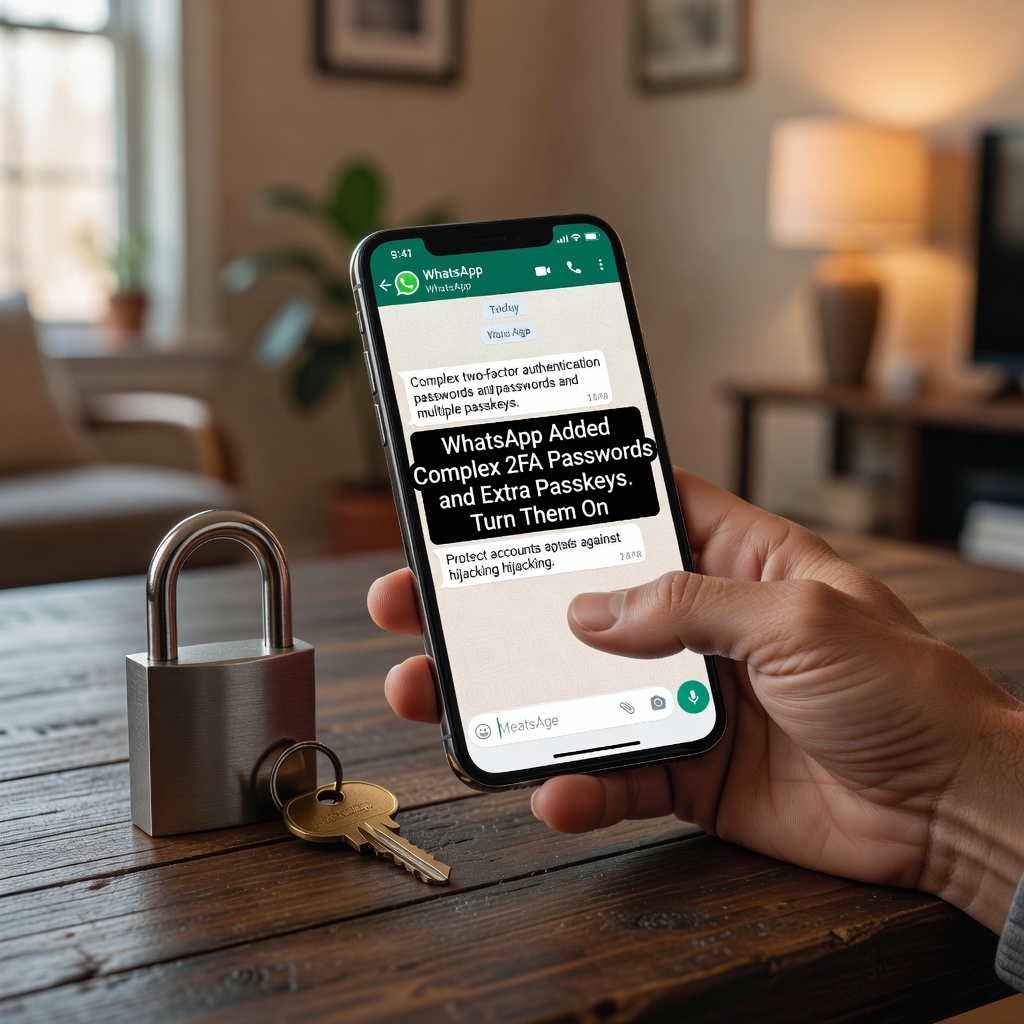
  • WhatsApp Added Complex 2FA Passwords and Extra Passkeys. Turn Them On

    WhatsApp Added Complex 2FA Passwords and Extra Passkeys. Turn Them On

    WhatsApp now accepts complex passwords and multiple passkeys to strengthen account access against common hijacks. MakeUseOf reported that change on August 25, 2026, and said every user should turn the new security feature on immediately. If you use the app for family, work, or the town group chat, this is the update you actually need to act on.

    Account takeovers are not a rare tech-blog scare story. Someone gets a foothold, they slide into your chats, and suddenly they are you. Then they hit your contacts for money, they read private messages, and they lock you out of your own life. A stronger lock on the front door will not fix Meta. It will make that smash-and-grab a lot harder.

    What WhatsApp actually added

    The update is two parts, and both of them matter for regular people.

    • Complex passwords for two-factor protection. That means a real password, long and unique, not something a stranger can guess.
    • Multiple passkeys. You can store more than one, so account access is not hanging off a single phone.

    The point of the change, according to the report, is to strengthen account access against common hijacks. Skip the branding. Care about the lock.

    Why hijacks still hit normal people

    Most folks I know treat WhatsApp like the kitchen phone. Always on. Full of job quotes, school pickup plans, and half the family photo album. They are not thinking about phishing texts and stolen logins. The crooks are.

    A hijacked WhatsApp account is a skeleton key to your relationships. Your sister will believe a message that looks like it came from you. Your customers will too. That is why this setting is not optional in my book, even if WhatsApp left it for you to turn on.

    Passwords and passkeys in plain English

    A complex password means long, unique, and not the same one you use for email. Put it in a password manager if you have one. If you do not, write it down and keep it off the phone.

    A passkey lives on a device you already trust. Multiple passkeys mean you can add a second phone, a tablet, or a computer you actually control. If one device dies, you still have another way in. If a thief only has one of them, they do not own the whole thing.

    What you should do this week

    • Open WhatsApp and find the new two-factor and passkey settings.
    • Set a complex password you do not use anywhere else.
    • Add more than one passkey on devices you actually own.
    • Make sure you still have a way back in if the phone goes in a lake. Recovery is part of security, not an afterthought.
    • Tell the people you help with tech to do the same. Parents, shop owners, the neighbor who only uses WhatsApp. They are the ones hijackers love.

    Big tech will keep collecting data. You cannot fix that from a settings menu. You can make it a lot harder for a stranger to wear your name. Turn the feature on, use a real password, and add a second passkey. Then go back to your life.

    Primary Source: https://www.makeuseof.com/whatsapp-new-security-update-adds-complex-2fa-passwords/

  • Fake Debt-Relief Phishing Hit 9,000 Organizations. Check Point Shut It Down.

    Fake Debt-Relief Phishing Hit 9,000 Organizations. Check Point Shut It Down.

    Check Point reported on August 25, 2026 that it identified and blocked a large-scale email phishing campaign using fraudulent financial hardship and debt-relief offers. The campaign targeted more than 9,000 organizations.

    That is not a rounding error. That is thousands of workplaces getting hit with emails dressed up as help when money is tight. If you work at a small business, a school, a shop, or a regular office, this was aimed at people like you.

    What Check Point actually blocked

    The emails used fake financial hardship and debt-relief offers to manipulate people. Check Point identified the campaign and blocked it. No mystery here. Crooks pretended to be the folks who would ease your bills, then tried to get you to take the bait.

    Nobody is wiping your debt because they saw your work email. When a surprise message shows up promising relief, a hardship program, or a special financial offer, treat it like a stranger asking for your house keys.

    Why fake debt relief gets clicks

    People are tired. Medical bills, car payments, student loans, a slow season. Scammers know a stressed person is more likely to click first and think later. They write like a lifeline on purpose.

    They send this to work inboxes for a reason. One employee clicks, and the problem is no longer one person. It is the company’s email, files, and customer data in the blast radius.

    When one of these lands, the only winning move is not to play.

    What this looks like in a real inbox

    • Unexpected notes about debt relief, hardship programs, or limited-time financial help
    • Links that want you to verify an account, claim a benefit, or confirm personal details
    • Senders that look close to a real bank, agency, or relief program but are not quite right
    • Pressure to act now, before you can pick up the phone and check

    If you did not apply for debt help, you are not getting a surprise approval at work. Full stop.

    What regular people and small shops should do

    You do not need a giant security team. You need habits that actually work.

    • Do not click links in unexpected money-help emails. If you have real business with that outfit, go to the real site yourself.
    • Look at the sender and the link. If it looks off, it is off.
    • Never enter bank logins, Social Security numbers, or payroll credentials from an email you did not expect.
    • If you are not sure, ask someone. A 30-second conversation beats a month of cleanup.
    • Report the message to whoever handles IT or your email provider, then delete it.

    The crooks count on regular people being too busy to look twice. Look twice. This wave hit more than 9,000 organizations. Check Point blocked it. The next one will not wait for a blog post.

    Primary Source: https://blog.checkpoint.com/securing-user-and-access/check-point-blocks-large-scale-debt-relief-email-phishing-campaign-targeting-more-than-9000-organizations/

  • TP-Link Archer Flaws: Three Command Injection Bugs Give Nearby Attackers Root

    TP-Link Archer Flaws: Three Command Injection Bugs Give Nearby Attackers Root

    TP-Link disclosed three high-severity command injection flaws in its Archer routers. Nearby attackers can use them to gain root access and fully compromise the device.

    That is the whole story in one shot, and it is enough. Root on the router is root on the box that handles every bit of traffic in the house. Once somebody has that, they are not knocking on the door. They are already in the hallway.

    What these Archer command injection flaws actually do

    Command injection means the router takes something it should treat as harmless input and runs it as a system command. Stack three high-severity bugs of that type in the same product line and you have a real problem, not a footnote in a changelog.

    TP-Link put the disclosure out itself. The threat described is a nearby attacker. That word matters. This is not automatically a wide-open hole sitting on the public internet. It is someone close enough to reach the device, then ride those flaws all the way to root.

    Why an Archer in the closet is still your problem

    Archer routers showed up in a lot of homes and small shops because they were cheap, they had decent range, and they just worked. Nobody bought them to become a security project. They bought them so homework could get done and the register could talk to the card processor.

    Full compromise of that device is not an abstract score. It means an attacker can point your DNS somewhere ugly, watch what leaves the network, hang around after a reboot, and use your pipe as their pipe. You will not get a polite email about it.

    Nearby is not the same as harmless

    People hear nearby and relax. Do not. Nearby includes a guest on your Wi-Fi, the apartment next door if your signal leaks, someone in the parking lot, and anyone who already has a foothold on the LAN. If the admin page is reachable from the wireless network, which it usually is, nearby is plenty.

    I get tired of vendors acting like a local-only bug is a participation trophy. Your router is a local device. That is the job. Treating they have to be close as comfort is how folks leave the factory admin login on a box for a decade.

    What to do if you run a TP-Link Archer

    Do the boring work. It is the only work that matters here.

    • Find the model printed on the bottom of the router and write it down.
    • Check TP-Link support for firmware for that exact model. Do not guess. Match the hardware version too if it is on the sticker.
    • Update if a fix is there. Do not wait for the box to decide it feels like updating.
    • Change the admin password if it is still the factory default. Then fix the Wi-Fi passphrase if that has been sitting unchanged since 2019.
    • Turn off remote management and WPS if they are on. A normal house does not need either one.
    • Put visitors on a guest network so a phone in the driveway is not sitting on the same LAN as the admin interface.

    If TP-Link has not shipped a fix for your model yet, you still do the password and guest network work today. Sitting on a known command injection bug with a default login is how a cheap router becomes someone else’s toy.

    This is not complicated. It is a system that either works or it does not. Patch the box, lock the door, and stop assuming the plastic thing on the shelf is going to look out for you on its own.

    Primary Source: https://cybersecuritynews.com/tp-link-archer-command-injection-flaw/

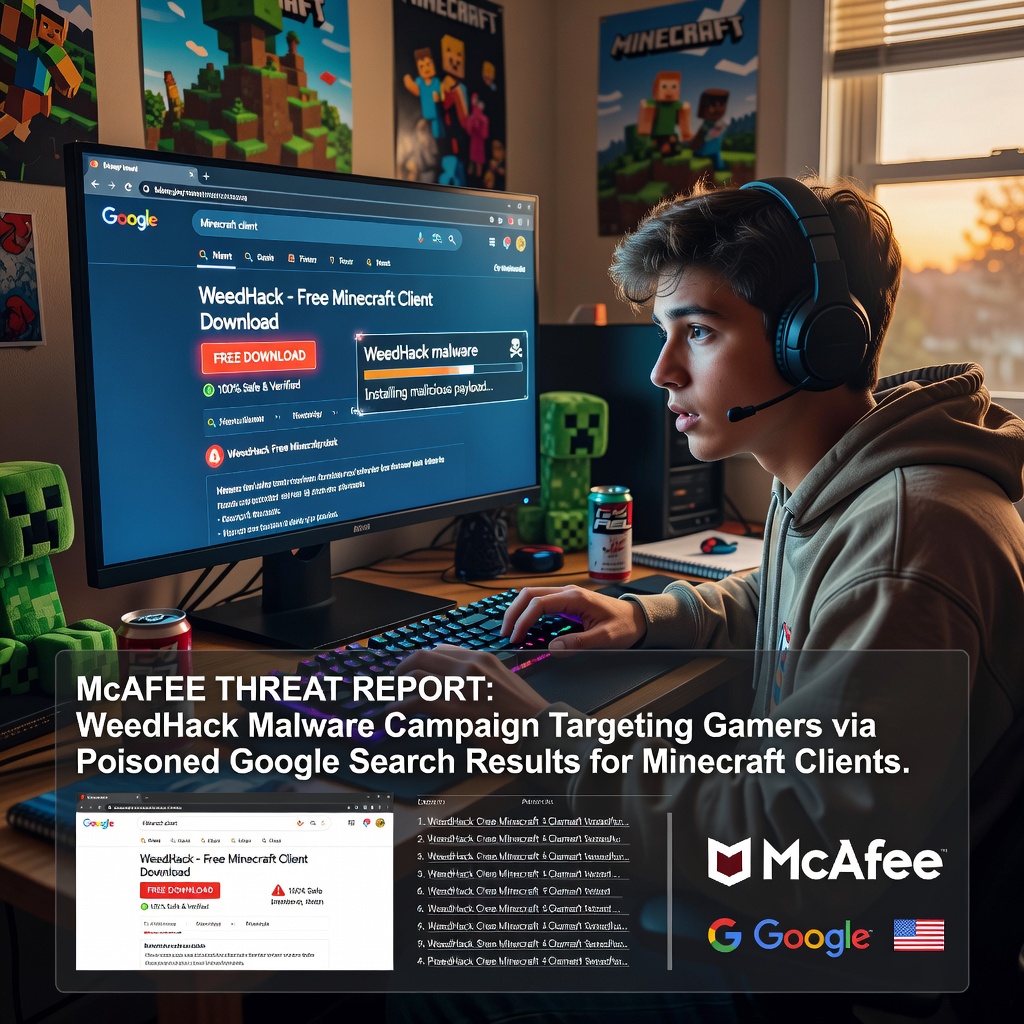
  • Top Google Hits for Minecraft Clients Were a Malware Trap, McAfee Finds

    Top Google Hits for Minecraft Clients Were a Malware Trap, McAfee Finds

    McAfee found that the top Google results for a Minecraft client were sending players to malware. The campaign is called WeedHack. It hit Minecraft players through fake client sites and poisoned searches, then delivered the payload with deceptive free-download links.

    That is not junk buried at the bottom of the page. That is the first thing a lot of people click when they type what they want into the search box they trust.

    WeedHack used search rankings as the lure

    The play is simple. Someone wants a Minecraft client. They search Google. The results look real. The sites look like download pages. The button says free. What they get is not a game client. It is malware.

    McAfee tied this to WeedHack. The operators did not have to hack Google. They poisoned search, stood up fake client sites, and waited for the clicks.

    Search poisoning is an old con. You build pages that rank. You copy the look of a real download. You bet nobody checks the URL twice. Minecraft makes that bet pay because the audience is huge, often young, and always hunting for extra clients, mods, and free stuff.

    This is a family computer problem, not a gamer-only problem

    Minecraft lives on the same PC that holds school files, saved passwords, and the household login. A fake client does not stay in its own little box. Once that file runs, WeedHack has whatever it came for on that machine.

    And Google, the front door most regular people use, walked them right to it. That pisses me off. Folks are told to just Google it. Then the top result is a trap. The system that is supposed to sort signal from junk failed the people who trust it most.

    The bait was a free download button

    The delivery method is not fancy. Deceptive free-download links. That is the whole trick in one line.

    Nobody needs a random third-party client from a search result to play Minecraft. The real launcher comes from Microsoft and Mojang. A Google result that screams free download is a sales pitch. In this case it was a loaded one.

    If this is your house, do this

    • Get Minecraft from the official launcher only. Microsoft and Mojang. Not a lookalike site that showed up in search.
    • If someone already grabbed a free client from Google, treat that PC as dirty until you know it is clean. Scan it. Change important passwords from a machine you trust.
    • Do not shrug this off as just a game download. That installer had the same rights as any other program they ran.
    • Teach the people in your house that a high ranking is not the same thing as a safe site. Rank is not trust.

    Google ranking a malware site at the top is not a small miss. It is the map sending you off a cliff. Until search stops rewarding poisoned pages, the job of not clicking the shiny button falls on you. That is a lousy setup. It is also the one we have right now.

    Primary Source: https://cybersecuritynews.com/google-results-minecraft-client/

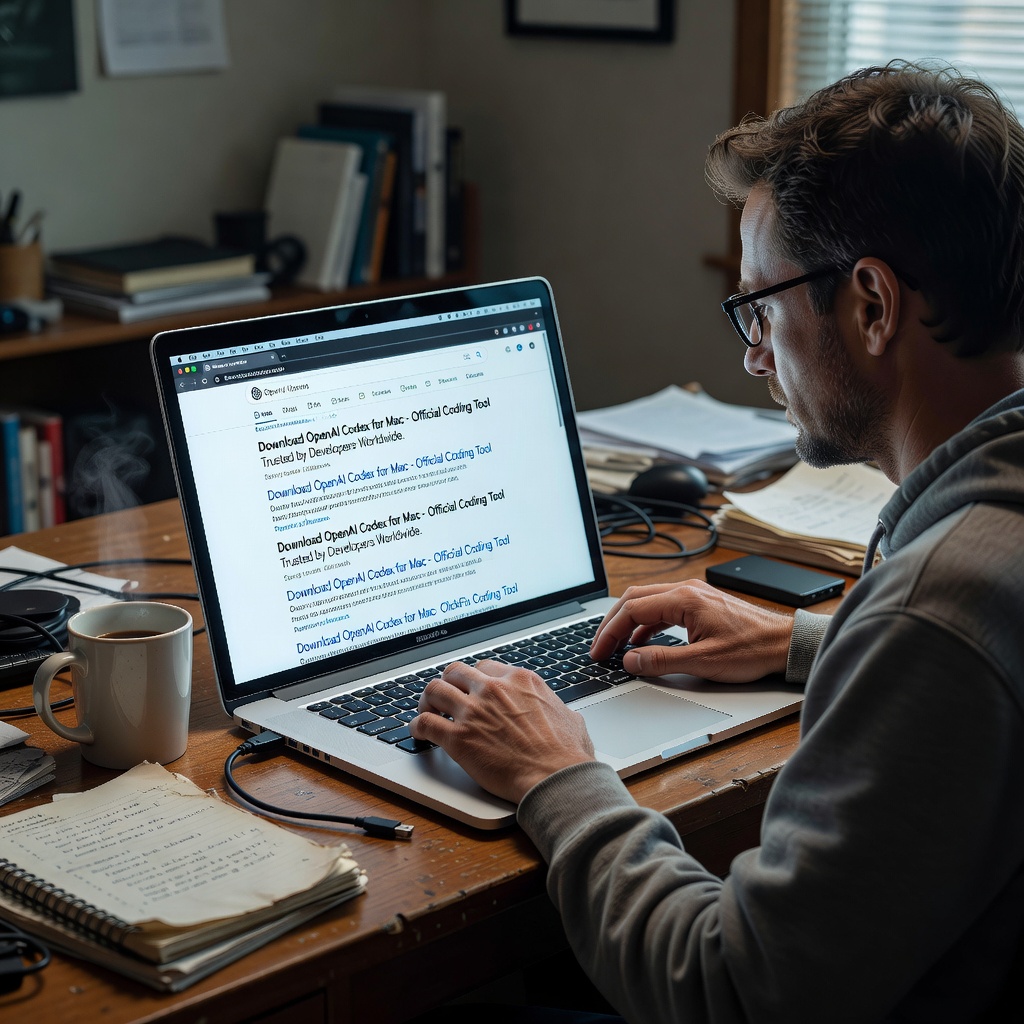
  • Fake OpenAI Codex Ads Are Pushing Mac Malware on Developers

    Fake OpenAI Codex Ads Are Pushing Mac Malware on Developers

    Crooks are stuffing fake OpenAI Codex ads into sponsored search results so developers click them and walk straight into a ClickFix malware trap. The payload is Mac malware. This is not some random junk popup. It is sitting at the top of search, dressed up like a tool a lot of people actually want.

    OpenAI Codex is a coding assistant. Developers search for it, and the first thing they see is often a paid result. That paid result is the bait. One click later they are not on OpenAI. They are on a page built to make them infect their own Mac.

    Sponsored search is the delivery truck

    The scam does not need a clever exploit. It needs someone willing to buy the top of the page. Fake OpenAI Codex ads show up as sponsored results. Developers looking for the real product click the first link because that is how search has trained all of us to behave.

    That is the part that pisses me off. Regular people, including folks who write software for a living, get used to ads sitting above everything else. Crooks know that. They rent that top slot and impersonate a brand people already trust.

    ClickFix makes you install it yourself

    ClickFix is a social engineering trick, not a magic bug that breaks Macs. The fake page tells you something needs a quick fix or a verification step. Then it wants you to copy a command and paste it into Terminal.

    You do the work. The malware lands because you pasted it. Nobody had to hack your machine. That is why it still works on Macs that people treat like they are immune.

    If a website is asking you to open Terminal and paste anything, you are not installing Codex. You are handing the keys over. Stop. Close the tab.

    Why developers are the target

    Developers search for command line tools, installers, and AI coding products all day. They live in Terminal. A fake Codex page that says it needs one extra step looks a lot like every other setup they already run.

    That is the ugly part. The people who should catch this are also the people most used to pasting commands from a browser. Familiarity is the hole in the fence here, not stupidity.

    What you should do instead

    • Do not click sponsored results for OpenAI Codex, or for any developer tool. Go to the official site yourself.
    • Type the real OpenAI site into the address bar. Do not trust the ad at the top of search.
    • Never paste a command from a web page into Terminal just because a fix or verify prompt told you to.
    • If you already clicked a fake Codex ad, do not run whatever it put on your clipboard. Clear it and close the page.
    • Mac users are not magically safe. Treat unknown install steps the same way you would on a Windows box.

    Big platforms will keep selling the ad slot. Crooks will keep impersonating the hot tool of the month. Your job is simple. Slow down, skip the sponsored link, and do not paste mystery commands into Terminal. That is how you keep your machine.

    Primary Source: https://www.theregister.com/security/2026/08/25/crooks-push-mac-malware-through-fake-openai-codex-ads/5291899

  • Microsoft CEO Says AI Outsourced Your Thinking. Regular People Should Worry

    Microsoft CEO Says AI Outsourced Your Thinking. Regular People Should Worry

    Microsoft CEO Satya Nadella just said the quiet part out loud. AI models have outsourced your thinking, and a firm that does not control its own knowledge or data will not exist. That line was aimed at companies. It should hit regular people just as hard.

    What Nadella actually said

    Nadella’s point is not complicated. If a company hands its thinking and its data to somebody else’s model, that company is no longer in charge of the thing that makes it a company. The models have already outsourced the thinking. Lose control of the knowledge and the data, and the firm is gone.

    He is not talking about robots taking over the office. He is talking about dependency. You stop owning the work. The model owns the process. You become a renter of your own judgment.

    This is not just a boardroom problem

    Microsoft is the same outfit stuffing Copilot into Windows, Office, and half the screens you already pay for. So yes, it is rich hearing the CEO warn that AI outsources your thinking while the product team parks that thinking machine on your taskbar.

    Here is why it matters at home. Every time you let a chatbot write the email, pick the trip, summarize the news, or tell you what a contract says, you are doing the consumer version of what Nadella described. You give away the practice of thinking. You also feed the system data that used to live in your head or on a drive you owned.

    Control of the data is the whole fight

    Nadella said a firm will not exist if it does not have control over the knowledge or the data. Swap firm for household or small shop and the sentence still holds.

    • Your photos, mail, and files become leverage for someone else.
    • Your judgment gets rusty because you stopped using it.
    • When the tool changes, jacks the price, or gets it wrong, you have no backup skill and no copy of the knowledge.

    That is not convenience. That is a subscription to your own decisions.

    What you can actually do

    You do not have to swear off AI. You have to stay the one who thinks.

    • Use the tool to check your work, not to replace the work.
    • Keep copies of important files on hardware you control.
    • Read the thing before you send it, sign it, or share it.
    • Ask who owns the output and where your prompts go.
    • If you run a small business, do not dump your customer list and pricing into a model you do not control.

    Nadella is right about the risk. The uncomfortable part is that Microsoft is also one of the companies selling the outsourcing. Look after your own thinking. Nobody else is going to do that job for you, no matter how friendly the chatbot sounds.

    Primary Source: https://www.windowslatest.com/2026/08/25/microsoft-ceo-warns-ai-is-outsourcing-your-thinking-and-it-should-worry-every-consumer-too/

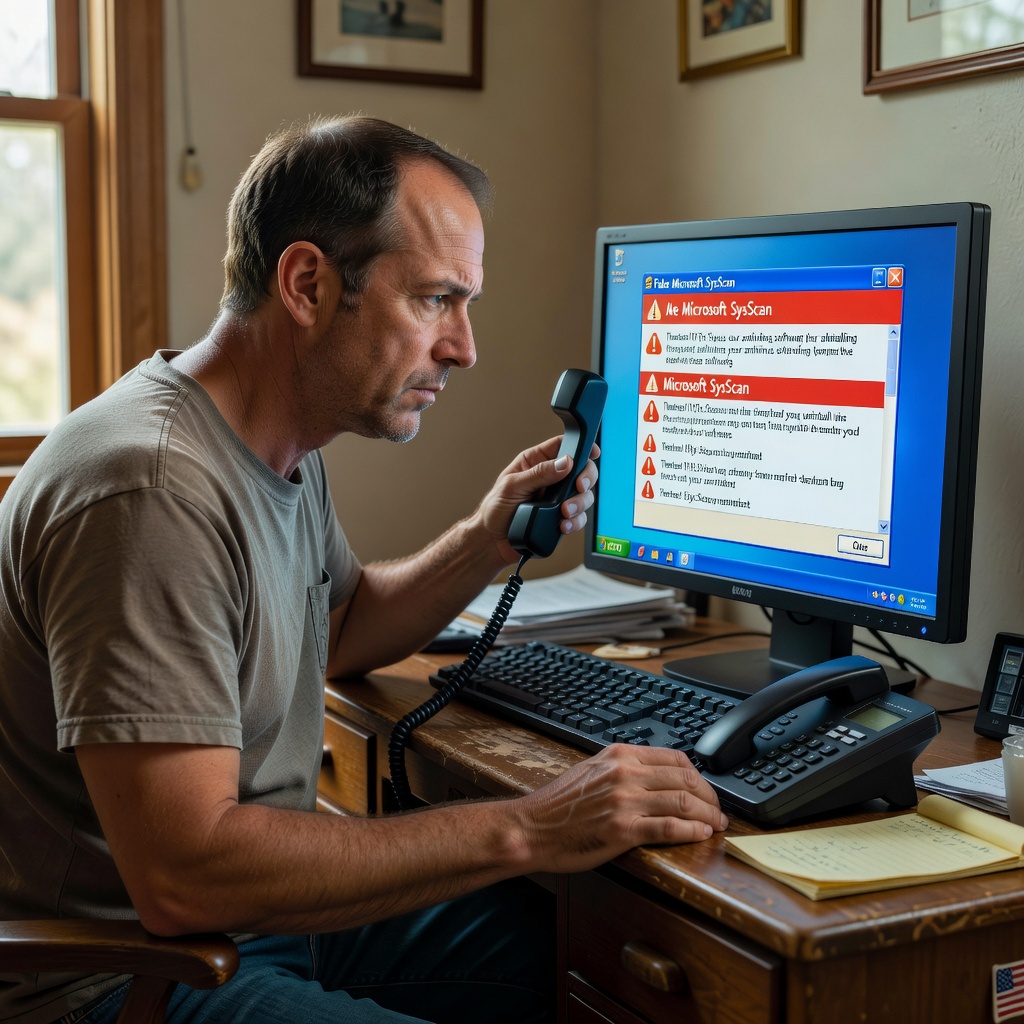
  • Fake Microsoft SysScan Scam Tricks People Into Uninstalling Antivirus

    Fake Microsoft SysScan Scam Tricks People Into Uninstalling Antivirus

    On August 24, 2026, Malwarebytes researcher Stefan Dasic published a report on fake Microsoft-branded security scanners. The scanners invent security problems, tell people to uninstall their antivirus, and then steer them into a refund scam.

    That is not Microsoft helping you. That is a con in official paint, aimed at regular folks who just want the yelling on the screen to stop.

    What the fake Microsoft SysScan actually does

    The phony tool wears Microsoft branding and shows up as SysScan. It runs a scan that is not a real security check. It invents problems so the results look urgent. Then it tells you to uninstall your antivirus.

    Once that protection is gone, the operation points you toward a refund scam. Malwarebytes put the write-up under Scams and Threat Intel, and the report includes a short video that sits in the tech support lane.

    Why the antivirus uninstall request is the tell

    Most people are not reading threat blogs on a Tuesday. They see a blue window, a Microsoft name, and a list of problems. They do what the screen says because they do not want to lose photos, tax files, or the family PC. That is why the costume works.

    A real Microsoft support channel does not jump out of a random scanner and order you to delete the software keeping you safe. If a window is begging you to drop your shield, Admiral Ackbar already called it. It is a trap.

    What this means if you use a regular Windows PC

    The goal is control. First they shake your confidence. Then they get you to rip out the lock on the door. Then they walk you into a refund story. None of that requires you to be careless. It only requires you to be busy and a little scared.

    Keep your hands on your own machine. Nobody from Microsoft is going to appear inside a no-name SysScan window and fix your life. And nobody who wants your antivirus gone is on your side.

    What to do if this hits your screen

    • Close the window. Do not call any number it shows.
    • Do not uninstall your antivirus because a pop-up told you to.
    • If you already removed it, put real protection back on before you do anything else.
    • Treat a Microsoft scan you did not ask for as hostile.
    • A real problem from a real tool does not come with a refund pitch.
    • When you are not sure, shut the lid and ask a person you actually know.

    Big names get borrowed because they work. Scammers know you trust a Microsoft logo more than a stranger in a parking lot. Do not give them that win.

    Primary Source: https://www.malwarebytes.com/blog/threat-intel/2026/08/fake-microsoft-security-scans-trick-victims-into-uninstalling-their-antivirus

  • Hackers Poisoned Google and Bing Search With Cloaked Fake Bank Login Pages

    Hackers Poisoned Google and Bing Search With Cloaked Fake Bank Login Pages

    Hackers are poisoning Google and Bing search results so fake banking pages show up when regular people look up their bank. The pages are cloaked. Search engines see one thing. You see a login form built to take your password and hijack your session.

    Cyber Security News published that report on August 24, 2026, under Tushar Subhra Dutta’s byline. Nobody had to break into your computer first. They polluted the results most people already trust.

    How they poison Google and Bing results

    People type a bank name plus login, or online banking. Attackers build pages that chase those searches and push them up the rankings. The junk listing sits where the real site should be.

    You did not click a weird email. You searched like a normal person. That is why this works. The bad page looks like the answer you asked for.

    What cloaked phishing pages hide

    Cloaking is a switch play. The crawler from Google or Bing gets a clean page, so the listing stays live and looks legitimate. Your browser gets the fake bank site.

    You type the username and password you always use. They grab those credentials. They can also hijack the session you just opened, which means they may ride along without waiting to log in later as you.

    This hits regular customers, not just IT people

    Banks tell folks to find them online. Search engines get paid to rank pages. Regular customers are the ones who eat the loss when those rankings get poisoned.

    If you run a small shop, your bookkeeper is a target. If you help a parent with online banking, they are a target. Trusting the first blue link is now a liability.

    Check these things before you type a password

    • Type the bank address yourself, or use a bookmark you saved on a day you already knew the site was real.
    • Read the domain in the address bar. A close cousin of the real name still counts as fake.
    • Use the official app from the store you already trust instead of a search result.
    • If the page looks busy, off-color, or suddenly wants extra personal data, stop.
    • Call the number on the back of your debit card, not a number on the page you just opened.
    • If you already typed a password, change it from a site and device you know is clean, then call the bank and tell them.

    Search is handy. It is not a security control. Treat a bank login that came out of Google or Bing the same way you would treat a stranger who offered to hold your wallet.

    Primary Source: https://cybersecuritynews.com/hackers-poison-google-bing-results/