
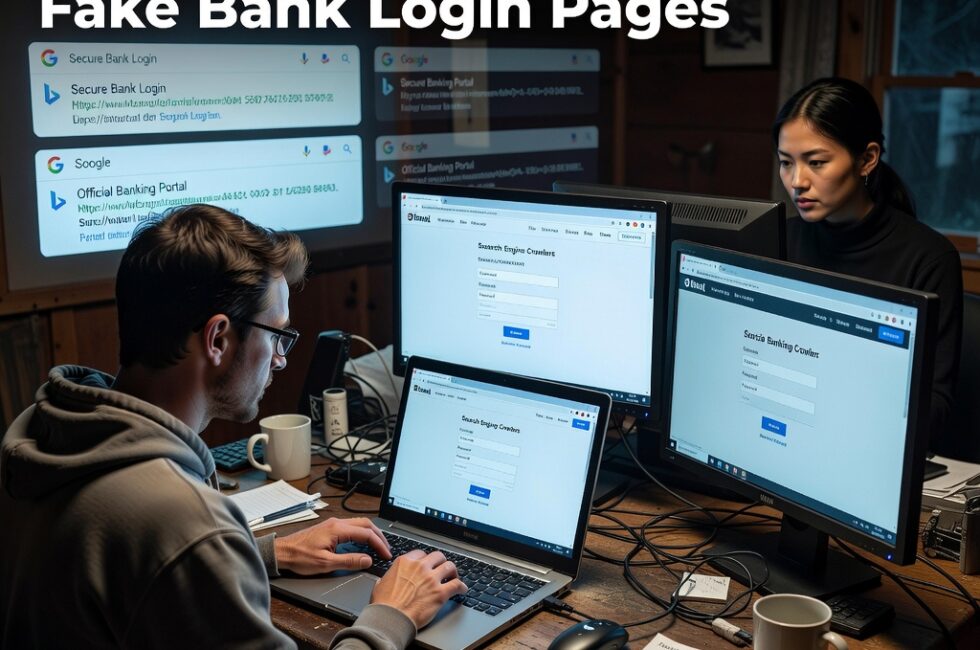
Hackers are poisoning Google and Bing search results so fake banking pages show up when regular people look up their bank. The pages are cloaked. Search engines see one thing. You see a login form built to take your password and hijack your session.
Cyber Security News published that report on August 24, 2026, under Tushar Subhra Dutta’s byline. Nobody had to break into your computer first. They polluted the results most people already trust.
How they poison Google and Bing results
People type a bank name plus login, or online banking. Attackers build pages that chase those searches and push them up the rankings. The junk listing sits where the real site should be.
You did not click a weird email. You searched like a normal person. That is why this works. The bad page looks like the answer you asked for.
What cloaked phishing pages hide
Cloaking is a switch play. The crawler from Google or Bing gets a clean page, so the listing stays live and looks legitimate. Your browser gets the fake bank site.
You type the username and password you always use. They grab those credentials. They can also hijack the session you just opened, which means they may ride along without waiting to log in later as you.
This hits regular customers, not just IT people
Banks tell folks to find them online. Search engines get paid to rank pages. Regular customers are the ones who eat the loss when those rankings get poisoned.
If you run a small shop, your bookkeeper is a target. If you help a parent with online banking, they are a target. Trusting the first blue link is now a liability.
Check these things before you type a password
- Type the bank address yourself, or use a bookmark you saved on a day you already knew the site was real.
- Read the domain in the address bar. A close cousin of the real name still counts as fake.
- Use the official app from the store you already trust instead of a search result.
- If the page looks busy, off-color, or suddenly wants extra personal data, stop.
- Call the number on the back of your debit card, not a number on the page you just opened.
- If you already typed a password, change it from a site and device you know is clean, then call the bank and tell them.
Search is handy. It is not a security control. Treat a bank login that came out of Google or Bing the same way you would treat a stranger who offered to hold your wallet.
Primary Source: https://cybersecuritynews.com/hackers-poison-google-bing-results/