
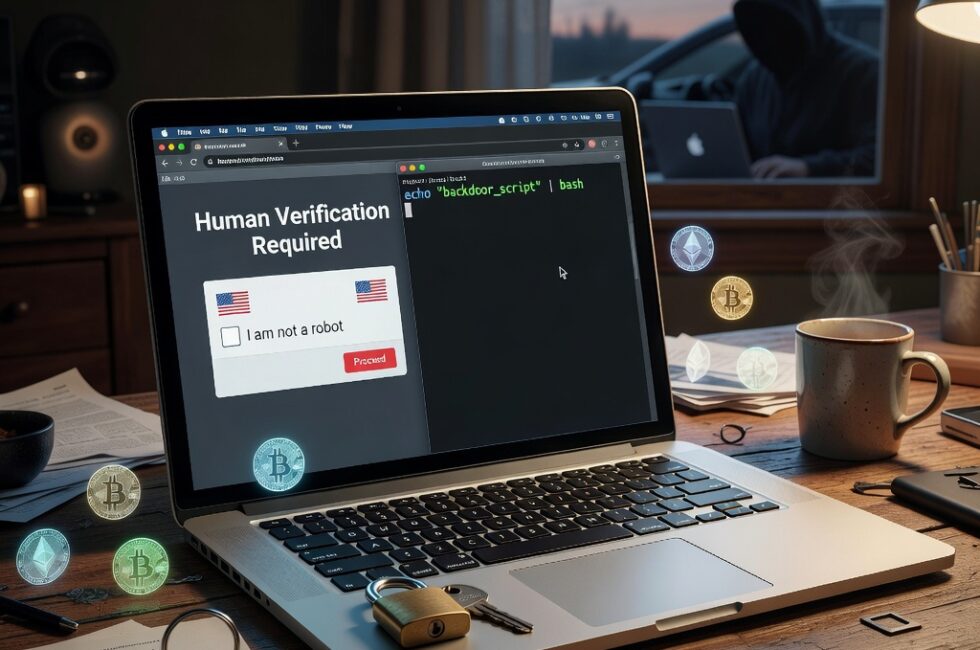
Cyber Security News reports that fake CAPTCHA pages are tricking Mac users into pasting malicious commands into Terminal. Those commands install a backdoor that steals passwords, gives attackers remote control of the Mac, and mines cryptocurrency on the victim’s machine.
This is not some exotic hack that punches through Apple’s defenses on its own. It is a con. The page looks official, the user does the last step, and the machine is wide open.
How the Fake CAPTCHA Trick Works
You land on a site. A familiar prove-you-are-human box shows up. Instead of a normal checkbox that stays in the browser, the page tells you to copy a command and paste it into Terminal on your Mac.
That is the whole scam. A real CAPTCHA never asks you to open Terminal. It never asks you to paste anything into a system tool. The second a website tells you to run a command on your own computer, that website is the problem.
Once the command runs, the backdoor is in. From there the reporting says attackers can steal passwords, control the Mac remotely, and use it to mine crypto.
Why This Hits Regular Mac Users
Plenty of folks still walk around thinking a Mac does not get this kind of trouble. That belief is part of the bait. You do not have to download some shady app from a random corner of the internet. You just have to follow instructions on a page that looks like every other security check you have clicked through for years.
Password theft is the part that should stop you cold. If this thing gets on the machine, it is not only a hot laptop and a high electric bill from crypto mining. It is your logins, your saved credentials, and a stranger who can come back later without asking.
Remote control means they do not need you to click again. Mining means your power and your hardware are now working for them. Three problems from one paste.
What You Should Do
- Never paste a command into Terminal because a website told you to. Not for a CAPTCHA. Not for a verification. Not for a so-called fix.
- A real CAPTCHA stays in the browser. If a page asks you to open an app, copy a command, or change a system setting, close the tab.
- If you already pasted something from a CAPTCHA page, pull the Mac off the network, change important passwords from a different device, and get the machine checked before you use it for banking or work.
- Use a password manager and turn on two-factor authentication so one stolen password is not the key to everything.
- Keep macOS updated. An update will not stop you from pasting a bad command, but it makes life harder for leftover junk.
The Rule That Shuts This Down
Nobody legitimate needs you to run Terminal to prove you are not a robot. That one sentence would have saved every person this scam is built to catch.
Big sites trained all of us to click through CAPTCHAs without thinking. Criminals noticed. They swapped the checkbox for a command and counted on people doing what they were told. That is not clever engineering. That is using a habit against regular people.
If a page asks you to prove you are human by handing it the keys to your Mac, you already have your answer. Close it and move on.
Primary Source: https://cybersecuritynews.com/fake-captcha-tricks-mac-users/